QR codes are ubiquitous these days. You come across them in menus, product packages, posters, payment counters, websites, and business cards. Sharing information is much easier – you just have to scan a small square code.
A QR Code Scanner lets you quickly access the information stored inside a QR code. There is no need to type lengthy website addresses or search for contact details manually. Just scan the code, check the result and move on.
Opening a website, saving a contact, checking a product or viewing a digital profile, scanning a QR code can save time. You can also use tools from companies like Tapect to make business networking a lot simpler with QR codes.
What Is a QR Code Scanner?
A QR code scanner is a device that can read the information inside a QR code. The code has information that can be read by your phone or scanning tool.
Most QR codes lead to a website or web page. But they may also contain other kinds of information.
For example, a QR code may open:
- A website
- A digital business card
- Contact information
- A social media profile
- A Google review page
- A product page
- A payment page
- A registration form
- A location on a map
Once you scan the code, the information related to it is shown on your screen. This makes the QR codes useful in personal and also business needs.
How Does a QR Code Scanner Work?
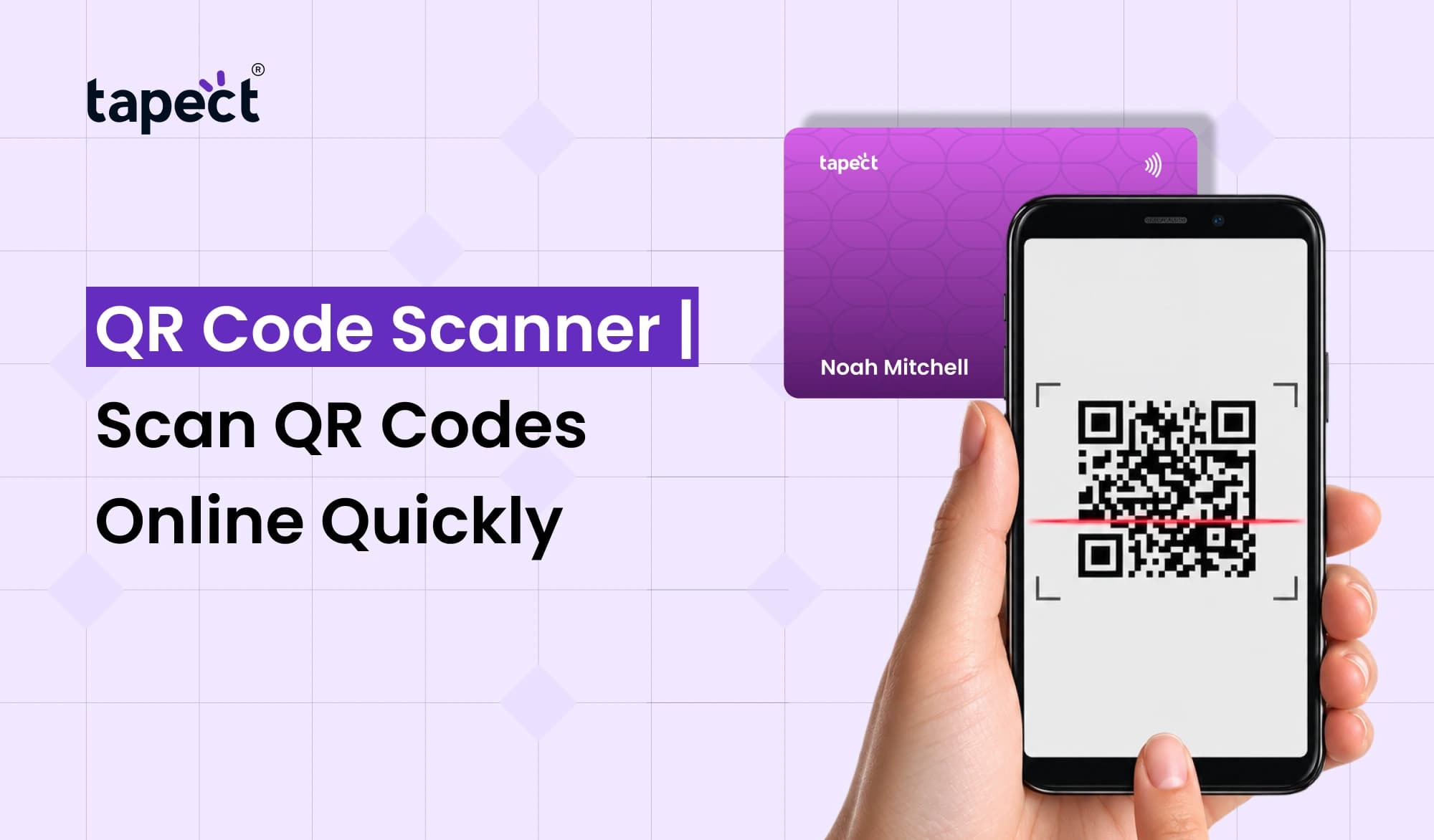
Usually QR Code Scanner Online is very easy to use. You hold your phone camera to the code and the scanner sees the pattern.
The basic procedure is:
- Open your phone camera or scanning tool.
- Point it toward the QR code.
- Keep the code inside the camera frame.
- Wait for the scanner to recognize it.
- Tap the link or information that appears.
- Check the destination before continuing.
Most modern smartphones can scan QR codes right through their camera. You might not need a separate app.
Why Use a QR Code Scanner?
The biggest advantage is convenience. Nobody likes to type out a long website address when there is an easier way.
A free QR code scanner can help you get the information you need fast without having to input it yourself.
Useful if:
- You receive a business card with a QR code.
- You want to open a restaurant menu.
- You need to visit a website quickly.
- You want to check product information.
- You want to connect with a business.
- You need to access a digital profile.
For the average user, QR codes speed up small things. For businesses, they may establish an easy path between offline marketing and online engagement.
QR Code Business Card for Easy Networking
Sharing your professional information is made easy with a QR code business card. Instead of putting every detail on a printed card, you can use a QR code to send people to your online profile.
For example, your business card may include your:
- Name
- Position
- Number of phone
- Email Address Website
- social media accounts;
- About Company
These details can be seen when someone scans the code with their phone.
Tapect helps companies use digital profiles and smart business cards to simplify networking. A QR-enabled card can be especially useful at conferences, meetings, exhibitions and business events.
QR Code Scanner Online: When Can You Use It?
When you want to access a QR-based link or digital information at once, a QR Code Scanner Online could come in handy.
You’ll find QR codes in places like:
Restaurants
A lot of restaurants now have QR codes to access menus on your phone. You can scan the code and see the menu on your phone.
Shops
Retailers can use QR codes to provide product information or discounts or a link to shop online.
Events
Event organisers can use QR codes for registration, tickets, schedules and attendee information.
Business Meetings
The QR-enabled business card provides a way for professionals to exchange contact details without the pain of manually swapping multiple bits of data.
Marketing
Companies can use QR codes on fliers, posters, packaging and ads to send customers to a landing page.
Online QR Code Reader for Quick Access
An Online QR Code Reader is useful when you need to scan a QR code from an image or using a web-based tool.
For instance, you may have received a QR code as a screenshot or saved image. Depending on the device and tool, you can upload the image and read the information stored in it.
Take a moment to check the URL before clicking on a link. A QR code can take you anywhere, so be careful what you scan from unknown sources.
QR Code Reader vs QR Code Scanner
You’ll see the terms QR Code Reader and QR Code Scanner used interchangeably. Most often they talk about tools which do the same basic job.
The information in the code is determined by the reader. A scanner scans the pattern of QR and processed.
For everyday use, you don’t have to worry much about the difference. The important thing is whether the tool can read the QR Code safely and correctly.
A good QR Code Reader should be able to recognise the code quickly and show clearly what the action is.
How to Scan QR Code Online Safely
Scanning a QR code is easy but you should still be careful.
Some simple safety habits to follow:
- Check the website address before opening it.
- Avoid entering passwords on unfamiliar pages.
- Do not provide sensitive information without checking the website.
- Be careful with QR codes placed in random locations.
- Keep your phone and browser updated.
- If a link looks suspicious, close it.
Having a QR Code Scanner doesn’t necessarily mean all associated websites are safe. The scanner reads the code but you still have to determine if the destination is trustworthy.
Scan QR Code Online for Business Growth
QR technology is more than just a way for businesses to share links.
When you Scan QR Code Online, you can direct customers to a helpful next step. It could be a product page, contact form, review page, or digital business profile.
For example, a company could put a QR code on its print marketing material. They scan it as a customer and are taken to a landing page where they can learn more or enter their contact information.
This creates a simple connection between offline-world advertising and online marketing.
Tapect and Smart Digital Networking
Traditional business cards are wonderful but they have one flaw. Information printed on them doesn’t change readily.
Your digital profile can be updated anytime your contact information, website, social links or business details change.
Tapect is a smart digital networking solution, providing professionals with a more convenient way to share their information.
QR code and digital profile in a single place. Making it easy for people to connect. It’s also a way to minimise the need to print new cards when your information changes.
Tips for Getting Better QR Scanning Results
Got QR codes for your business? Make sure they’re easy to scan.
Here are some easy tips:
- Use a clear QR code with good contrast.
- Do not make the code too small.
- Leave enough empty space around it.
- Test the code before publishing it.
- Make sure the destination page works on mobile.
- Add a short instruction such as “Scan to Connect.”
- Avoid placing the code on busy backgrounds.
A clean design helps with scanning and gives users more confidence.
Benefits of Using a Free QR Code Scanner
A free QR code scanner might be enough for the average user who just wants to read QR codes.
Some of the common benefits are:
- Quick access to links
- No manual typing
- Easy contact sharing
- Simple website access
- Convenient digital menus
- Faster business networking
You often do not need an expensive solution for basic scanning. You might already have the tools you need in your smartphone.
FAQs
Is a QR Code Scanner free?
There are many free QR scanning choices. Most modern smartphones also have inbuilt QR scanning via the camera.
Can I Scan QR Code Online without an app?
Yes, it is contingent upon the device and service you use. Some online tools let you scan or read QR codes online.
What can you put into a QR code?
embed a website link, contact information, social profile, location, payment link, product information or other digital data into a QR code.
Can I have a QR code on my business card?
Yeah. A qr code business card can link your printed card to a digital profile, website, contact page or any other online destination.
Is Using an Online QR Code Reader Safe?
The QR code can be simply decoded by the reader itself, but the website behind it might not always be trustworthy. Never give out personal information before checking the address.
You don’t need a separate QR code reader?
Not always. Most smartphones have a built-in camera that can read QR codes directly.
Conclusion
The QR Codes have made sharing information easier and quicker. A good QR Code Scanner can open websites instantly, view profiles in the digital world, pull up menus, and connect with businesses.
A qr code business card, paired with a QR Code Scanner, can make networking much easier for a professional. You can provide a quick method for someone to obtain your information, rather than requiring them to manually enter it.
Tapect goes a step further by associating smart business networking with digital profiles. If you’re a freelancer, business owner, sales professional, or marketer, QR technology can help you forge a better way to connect.
Are you ready to make networking easy?
Create a smart digital profile with Tapect and offer your customers, clients and contacts a quicker way to connect. Add your QR code to your business card and make every meeting a new networking opportunity.
 23 Oct 2026
 Business