Getting customers is just one side of the business. The next problem is getting them to trust you. Today many people look at online reviews before deciding on a restaurant, salon, store, agency, or local service.
A Google Reviews Card can help with that.
A review card is a fast way to get customers to your Google review page and leave their feedback. Instead of customers having to search for your business online, they can simply scan or tap the card.
This guide will explain what a Google Reviews Card is, why they’re helpful, what the key features are, and how you can use one to get more customer reviews.
What Is a Google Reviews Card?
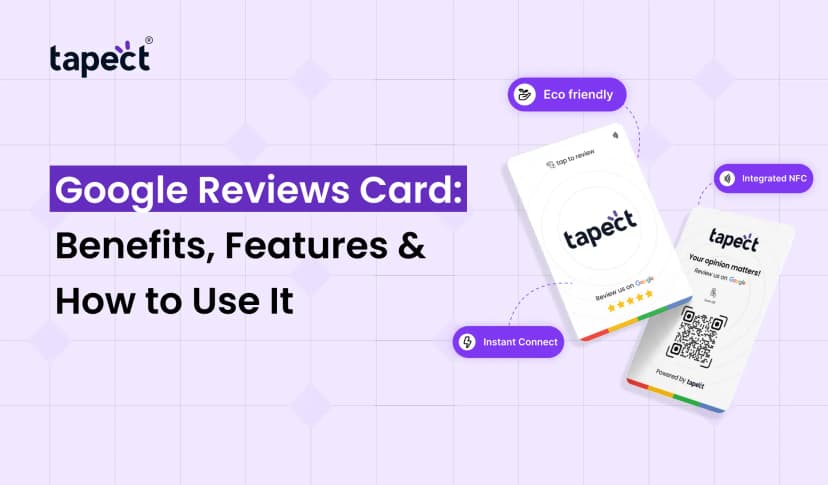
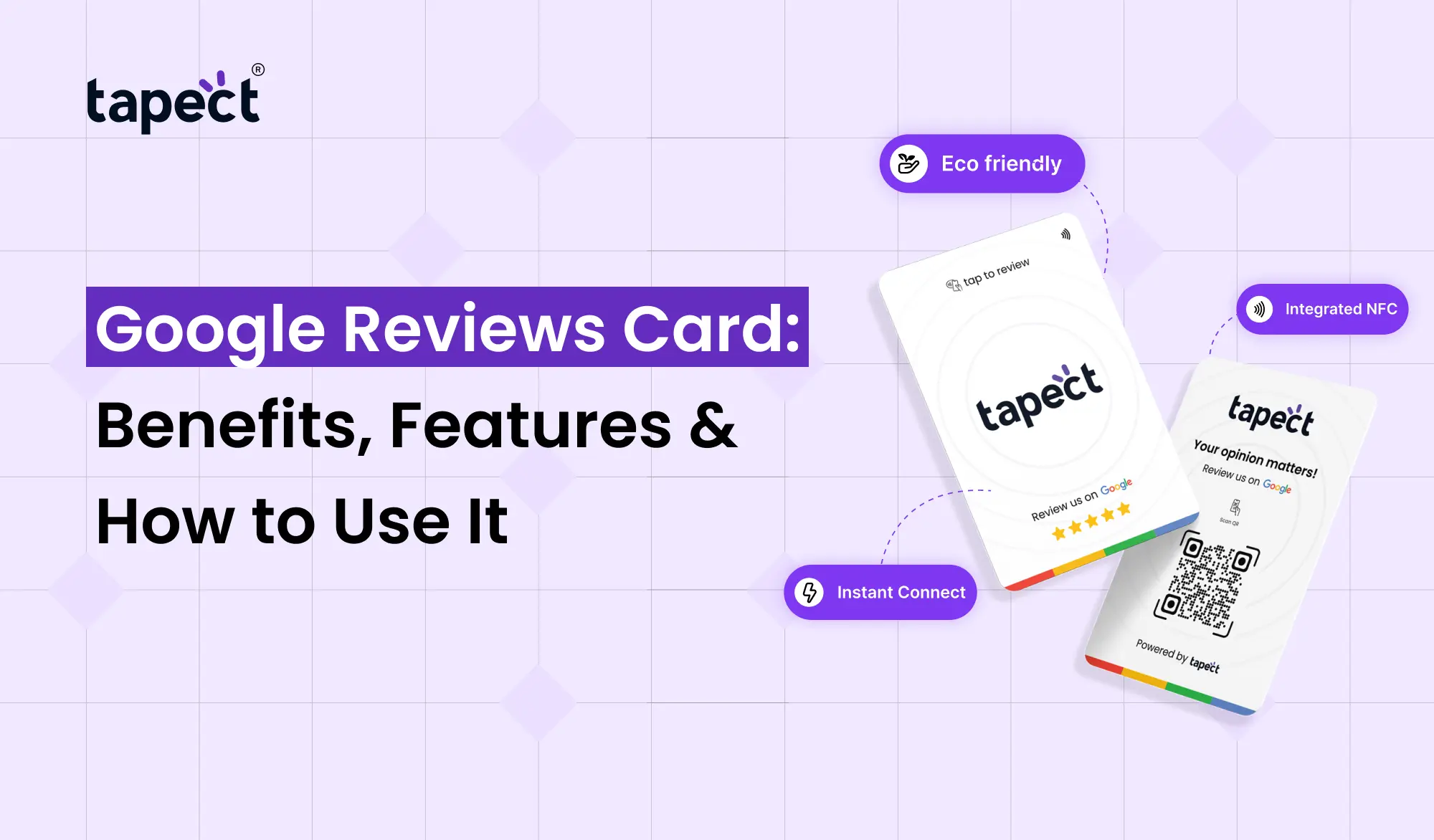
A Google Reviews Card is a physical card that makes it easy for your customers to get to your Google review page. It can be used with a QR code or NFC technology, or both.
When your customer scans the QR code or taps an NFC enabled card, they can be directed straight to your review page. Then, they can leave their feedback about their experience.
This can make the review process much easier for companies that depend on customer trust.
For example, a café may keep the card by the checkout counter. A salon can offer it to customers after their appointment. A service company can have one when they come to the customer.
How Does a Google Reviews Card Work?
It’s a pretty simple process.
Normal card works in 3 steps: #1
- The business links the card to its Google review link.
- The customer scans the QR code or taps the NFC card.
- The customer visits the review page and shares her experience.
The basic idea is to remove unnecessary steps. You don’t have to search for your business name or find the right profile.
That simplicity is part of the reason why google review business cards can be useful for local businesses.
Benefits of Google Review Cards for Business
A good review strategy can help you get more positive feedback from clients over time. Below are some of the main benefits of using google review cards for business.
1. Makes Reviews Easier to Give
It takes only a few seconds, and people are more likely to do something.
Instead of: “Please search for our business on Google and leave us a review.” You can point to the card and say: “Please scan this to leave us a review.”
That small change can really make the process a lot easier.
2. Helps Build Customer Trust
When people want to buy something or book a service, they usually look at reviews first. Real feedback from clients in a steady stream can give potential customers more insight into your business.
You can integrate your Google Reviews Card into your day-to-day customer experience.
3. Works Well for Local Businesses
Review cards can be used at customer touch points by restaurants, cafes, hotels, salons, clinics, shops, repair services and other local businesses.
You can push the card in:
- At the reception desk
- Near the payment counter
- On a shop counter
- Inside packaging
- At a service desk
- In a customer waiting area
4. Saves Time for Your Team
Your employees don’t have to explain a long process every time they ask for a review.
A simple card provides customers a clear call to action.
5. Combines Online and Offline Marketing
A physical card can direct customers straight to your online profile.
That makes Google Review business cards an easy bridge between your physical customer experience and your online presence.
Key Features of a Google Reviews Card
Different cards have different characteristics. See what you really need before you choose one.
QR Code
The customer can scan the card using the QR code with their smartphone camera.
It’s useful because most modern smartphones can scan QR codes without a dedicated app.
NFC Technology
Some review cards use NFC. Customers can just tap their phone on the card to get to the review page.
An NFC option could make the experience quick and convenient.
Custom Branding
Your card should look like it belongs to your business.
The branded Google Reviews Card allows you to add elements like:
- Business logo
- Brand name
- Brand colors
- Short instructions
- Call-to-action message
Compact Design
Small cards are easy to keep on a counter, bring to meetings or give to customers.
Direct Review Link
The card is primarily designed to take the customer straight to the correct Google review page without any additional steps.
How to Use a Google Reviews Card
It doesn’t have to be hard to use a Google Reviews Card. Follow these steps .
Step 1: Find Your Google Review Link
First, locate the review link for your business profile.
Here’s the card and link to the business page: [link to the business page]
Step 2: Choose Your Card Type
You can choose a QR-based card, an NFC card, or a combination of both.
Consider the typical ways your customers do business with you.
Step 3: Add Your Branding
Add your logo and business information. Keep the design simple so the customer knows what to do.
Step 4: Add a Clear Call to Action
Don’t leave customers guessing why they need to scan or tap the card.
You can use simple text like:
- “Scan to Review Us”
- “Share Your Experience”
- “Tap to Leave a Google Review”
- “Loved Your Visit? Tell Us!”
Step 5: Test Before Using It
Always scan the card and tap it yourself before handing it over to customers.
Make sure:
- The link opens correctly
- The correct business profile appears
- The QR code scans easily
- The NFC feature works properly
Where Should You Place Your Google Reviews Card?
Location is important.
Your Google Reviews Card should be located in a spot where customers naturally end their interaction with your business.
Good places are:
- Checkout counters
- Reception desks
- Restaurant tables
- Hotel front desks
- Salon counters
- Service desks
- Customer waiting areas
Or if your business has multiple touch points for customers, you can have multiple cards at different locations.
How Tapect Can Help
Tapect provides smart card solutions to help businesses link physical interactions to digital experiences.
Tapect cards also come with QR technology and NFC capabilities to embed customers to easily reach a digital destination from a physical card.
If you are a review-based business, a Google Reviews Card could be part of your larger client engagement strategy.
Tapect also enables businesses to build a professional experience around sharing digital contacts and customer interactions.
Good Tapect choices include:
- QR-based sharing
- NFC tap-to-share technology
- Custom branding
- Digital profile sharing
- Easy contact sharing
- Professional card designs
Tips to Get More Google Reviews
Google review cards for a business are only part of the equation. It also matters how you ask for the reviews.
Ask at the Right Time
Ask customers after they’ve received your product or completed your service.
For example, a restaurant can ask after the meal and a service company can ask after completing the job.
Keep Your Request Short
No need for a long explanation.
Make the Process Easy
Thanks for picking us. If you had a great experience we would really appreciate your honest review on Google.”
Train Your Team
Leave the card out in the open. A customer should know what to do in a matter of seconds.
Create your team
Ensure your staff are clear on when and how to ask customers for feedback.
Ask for Honest Feedback
You want to get real feedback from clients. Do not tell customers to leave a certain star rating or a fake review.
Google Reviews Card vs Traditional Review Requests
Traditional review requests rely on customers remembering your business later.
For example, an employee might say to a customer, “When you get home, would you mind leaving us a review?”
The customer will forget.
A Google Reviews Card provides them with a direct route to the review page while the interaction is still fresh.
This can make the review request simpler.
Common Mistakes to Avoid
Don’t make these mistakes when using Google Reviews cards.
Using the Wrong Link
Always make sure the card links to the right business review page for customers.
Making the QR Code Too Small
But the tiny QR code can be tough to scan. There are some very good things in the world, too.
Too Much Text
Customers should be able to see what the card is for quickly.
Ignoring Card Design
Messy cards are not professional. Make the design clean and readable.
Not Testing the Card
Test both the QR and NFC functions before using the card in daily life.
FAQs
What’s a Google Reviews Badge?
A Google Reviews Card is a physical card that gives customers quick access to a business’s Google review page via a QR code, NFC, or both.
Do Google review business cards help small businesses?
Yep. They are helpful for small businesses who want to make it easier for customers to find their review page and share authentic feedback.
you can leave Google reviews using NFC?
Yes. If a smartphone that supports NFC touches the card, it opens a link to a review.
Can a QR code be used for a Google Reviews Card?
Yes. You can even print a QR code directly on the card that links to your business’s review page.
Where do I put my review card?
You can leave it at your checkout counter, front desk, service desk, restaurant table, or pretty much anywhere else customers complete their interaction.
Are Tapect cards able to be used for Google reviews?
Tapect cards enable the creation of QR and NFC digital sharing experiences. A business can offer an appropriate link to lead customers to its Google review page.
Should I request a review from all customers?
You can encourage customers to provide honest feedback, but the solicitation must be genuine and not pressure customers to leave a specific rating.
Conclusion
Customer reviews are an important part of how people find and evaluate a business online. If you make it easy for your customers to leave a review, they can share their feedback without having to search for your business.
A Google Reviews Card provides an easy way for businesses to link an offline customer interaction to an online review page. QR codes, NFC, clear instructions and good placement can make for a smoother review experience.
If you run a restaurant, salon, retail store, agency, hotel or service business, Google review cards can fit naturally into your customer journey.
Tapect can help you bring QR and NFC technology to your customer interactions with professional, easy-to-use card solutions.
Ready to Make Reviews Easier?
Make it easy for your customers to share their experience. Discover Tapect’s smart card solutions and design an impressive Google Reviews Card experience for your business today.
 23 Sept 2026
 Business