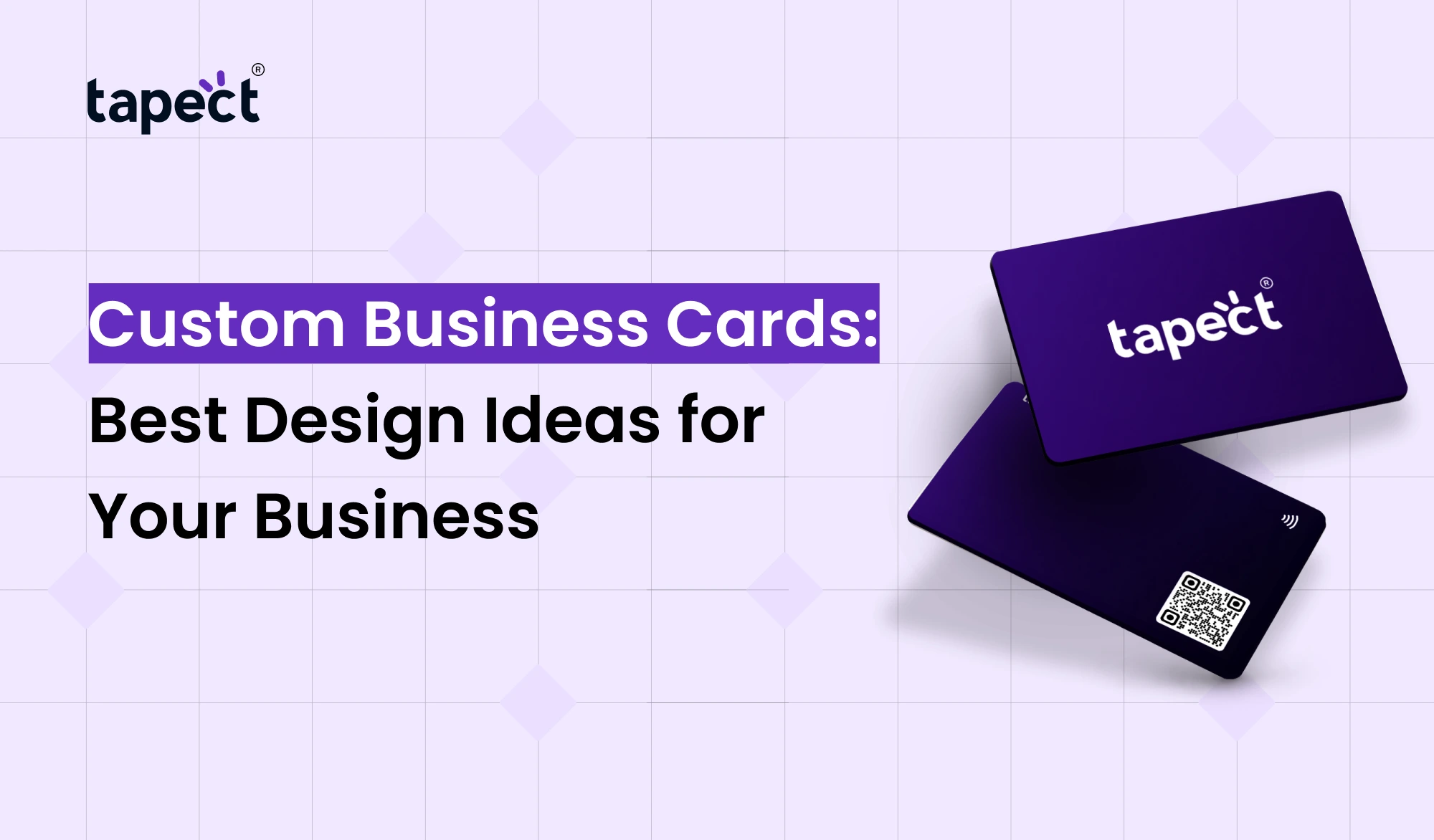
Your business card is small, but it can say a lot about your brand. A good card helps people remember you, what you do and how to get in touch with you later. That’s why Custom Business Cards are still handy for professionals, business owners, freelancers and teams.
A normal card can tell your name and number. But a good card can do so much more. You can put your logo, brand colours, website, social media links, QR code, and other details to help people remember your business.
Whether you’re starting a new business or redesigning an old card, the right design can make a huge difference. In this guide we are going to look at some practical design ideas that can make your Custom Business Cards look professional and match your brand.
Why Custom Business Cards Matter
A Custom Business Cards is one of the first things a new contact usually gets from you. Good impression may be created by a clean and useful design.
Custom Business Cards, you choose:
- Card layout
- Colors
- Fonts
- Logo placement
- Contact details
- Paper finish
- QR codes
- Brand style
A creative agency might want a bold and colourful card, while a law firm might want something clean and formal. Your card should be an extension of your business.
1. Start With Your Brand Identity
Consider your current brand style before creating business cards. Your card should look like it is connected to your website, packaging, social media and other marketing materials.
Begin with your:
- Brand logo
- Main brand colors
- Font style
- Business name
- Brand message
If your website is blue and white, and your card is bright orange and purple, it could look like the brand is disconnected.
Good Custom Business Cards should feel familiar to someone when they see it.
2. Keep the Design Simple
It’s a common mistake to try to cram too much information on one card.
You don’t need to include every service, social media account, award and piece of information you have. Card reads hard. Busy.
Highlight the important information.
- Your name
- Job title
- Business name
- Phone number
- Email address
- Website
- Location, if needed
Simplistic designs tend to look more professional than a card filled with text.
3. Use Your Logo as a Main Element
Your logo helps people identify your business. Give it a lot of room. Don’t squeeze it into a little corner.
A popular way is to have the logo on the front and the contact details on the back. Alternatively, you can use the logo with your name and job title on the front.
For Custom Business Cards, the logo placement should support the overall design and not compete with the contact information.
4. Choose Colors That Match Your Business
Colours make all the difference to the look of your card.
For example:
- Blue can come off as professional.
- Black can be a high-end look.
- Green can be great for nature or eco-friendly brands.
- Red can create a lively look.
- White can give a clean look to the design.
Stick to a limited colour palette. Usually two or three brand colours are enough.
5. Try a Modern QR Code
You can make your card more useful with a QR code. Instead of having to type your website address, you can have someone scan the code.
Your QR code can point to:
- Your website
- Digital profile
- Portfolio
- Social media
- Contact page
- Google review page
For example, Tapect is focused on digital business card solutions, which can make sharing contact information easier.
Adding a QR code is a great way to do this and it’s especially helpful for professionals who meet new people often. It brings a more modern functionality to Custom Business Cards.
6. Use Different Designs for Different Teams
A single design is unlikely to work for all employees in a large business.
This is where custom corporate cards come in. A company can keep the same brand style when creating cards for different departments.
For example, sales staff could be:
- Name
- Sales title
- Phone number
- Website
- QR code
Your customer support team might include:
- Name
- Support role
- Support email
- Phone number
- Website
- Help center link
The basic design is the same, but the information is different.
7. Pick the Right Font
Your font should be easy to read. Fancy fonts can look attractive, but they are not always practical.
Try using one font for headings and another simple font for contact details. Keep the text large enough to read without effort.
Avoid using too many different fonts on your Custom Business Cards. Two fonts are usually enough for a clean design.
8. Make the Contact Information Easy to Find
The main point of a business card is to get people to call you.
Don’t make your phone number or email address hard to find. Leave room for critical details.
A good contact section can have:
- Jayesh Makwana
- SEO Executive
- Phone: +91 XXXXX XXXXX
- Email: example@email.com
- Website:https://www.tapect.com.au/
Add a short message like “Scan to Save Contact” if you use a QR code.
9. Explore Different Card Finishes
The material and finish can also affect how your card feels.
Depending on your budget and brand you can look for:
- Matte finish
- Glossy finish
- Textured paper
- Thick card stock
- Rounded corners
- Premium finishes
Custom printed cards come in so many styles. Choose a style that fits your business and not just a finish that is attractive.
A premium finish will be good for a luxury brand and a simple matte card will be good for a start-up.
10. Make the Back of the Card Useful
You don’t need to leave the back of your card blank.
You may use it for:
- QR code
- Brand message
- Services
- Social media handles
- Website
- Short company statement
- Booking link
This allows you some more room without making the front too busy.
A QR code on the back can make your card a bridge between offline networking and your online presence.
11. Use Business Card Makers Carefully
Online business card makers allow you to design easily without hiring a designer.
They often offer:
- Ready-made templates
- Font options
- Color tools
- Logo uploads
- QR code options
- Downloadable designs
Templates can save you time, but don’t use them as is. Adjust the colours, fonts, layout and content so your card feels like your own brand.
The point is not just to make a pretty card. You want to make a card that people remember.”
12. Can You Create Free Business Cards?
Yes, there are tools for creating free business cards online. They can be of use to startups, students, freelancers and small businesses on a tight budget.
Free tools allow you to test out different layouts before you order printed cards.
But do check the final design carefully before printing. Look for:
- Spelling mistakes
- Incorrect phone numbers
- Wrong website links
- Low-quality logos
- Poor spacing
- QR code scanning problems
Even a tiny mistake can make your business look less professional.
13. Consider a Digital Business Card
Printed cards are helpful, but digital sharing can make networking easier.
With a digital business card, people can get to your contact info, socials, website and more from their phone.
You can link a digital profile to your QR code or use it with an NFC card. This means you have more ways to share information without having to print a new card every time something changes.
This type of digital networking can be useful for professionals who want a simple way to share their information for some brands like Tapect.
14. Design Ideas for Different Businesses
Card style can be different for different industries.
For Freelancers
Use a simple design that includes:
- Name
- Service
- Portfolio link
- Contact details
- QR code
Include:
- Name
- Agency
- Phone number
- Property website
- QR code
For Digital Marketers
- Name
- Marketing specialty
- Website
- Portfolio
- QR code
For Corporate Professionals
Custom corporate cards should have a neat and organised layout that includes the company logo, job title, contact information, and website.
For Creative Professionals
Bold layouts, unique typography and visual elements that reflect your style allow designers, photographers and artists to get creative.
15. Test Your Card Before Printing
Never send your design to print without proofing it.
A few minutes review:
- Is the name correct?
- Is the phone number correct?
- Does the email address work?
- Does the website open?
- Does the QR code scan?
- Is the logo clear?
- Can the text be read easily?
If you can, print out a sample. Seeing the design on paper can help you spot problems that aren’t as obvious on your computer screen.
16. Add a Small Call to Action
A simple call to action can get people to engage with your card.
You might say:
- “Scan to add me to your contacts”
- Scan to view my portfolio Connect with me
- “Check Our Website”
- “Schedule a Free Consultation”
- “Connect With Us Online”
This small line adds interactivity to Custom Business Cards.
FAQs
1. What Are Custom Business Cards?
Custom Business Cards are cards created around your brand, your business and your personal information. Choose your layout, colours, fonts, material and additional features.
2. What should I put on a business card?
[Your Name] [Your Title] [Your Business Name] [Your Phone Number] [Your Email] [Your Website] [Any Other Important Info] You can add a QR code to access your digital information instantly.
3. Do business card printers work for small businesses?
Yes. Small businesses may not have advanced design skills but they can still use online business card makers to create professional designs.
4. How can I get free business cards online?
Yes. Free business card generators can help you create a simple card for free. You might still have to pay for printing.
5. Should I get custom printed cards?
Yes, if you meet clients or business partners face to face. Custom printed cards will help your brand look professional and your contact information easy to pass on.
6. Are custom corporate cards a good idea for employees?
Yes . Custom corporate cards keep employee cards in line with the company branding, while allowing each employee to show their own contact details.
7. Is it possible to add a QR code to Custom Business Cards?
Yes. You can also use a QR code to link to your website, digital business card, portfolio, social media profile or contact page.
Conclusion
Good Custom Business Cards Are More Than Just Small Pieces Of Paper They can help people recall your brand and make it easier for them to get in touch with you post meeting.
Begin with a clean design, incorporate your brand colours, make your contact information easy to find, and avoid trying to cram in too much information. In a world that’s increasingly mobile-first, a card with a QR code or digital profile is more useful.
Whether you’re a freelancer, startup owner, sales professional or part of a large company, the right card can help your networking efforts.
If you want to combine traditional networking with digital contact sharing, Tapect can help you explore modern digital business card options that make it easy to share your professional details.
Ready to Upgrade Your Business Card?
Tapect updates your networking. Build a professional digital profile. Instantly share your details and make every new connection easier to remember.

 06 Oct 2026
 Business