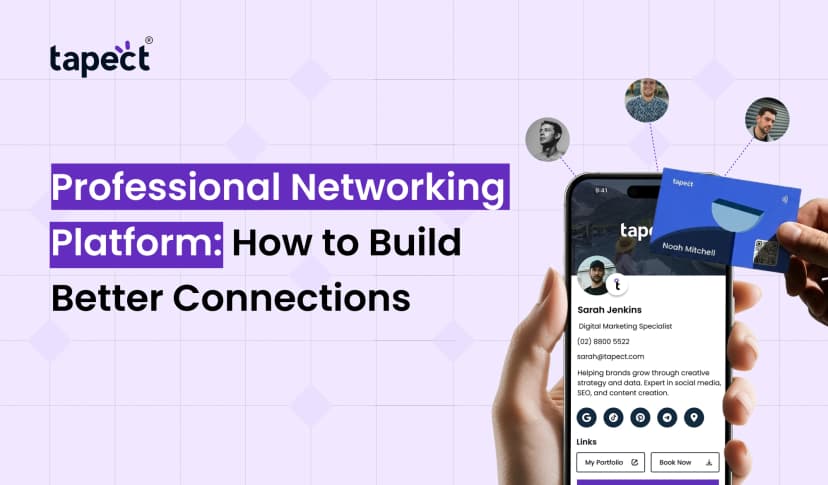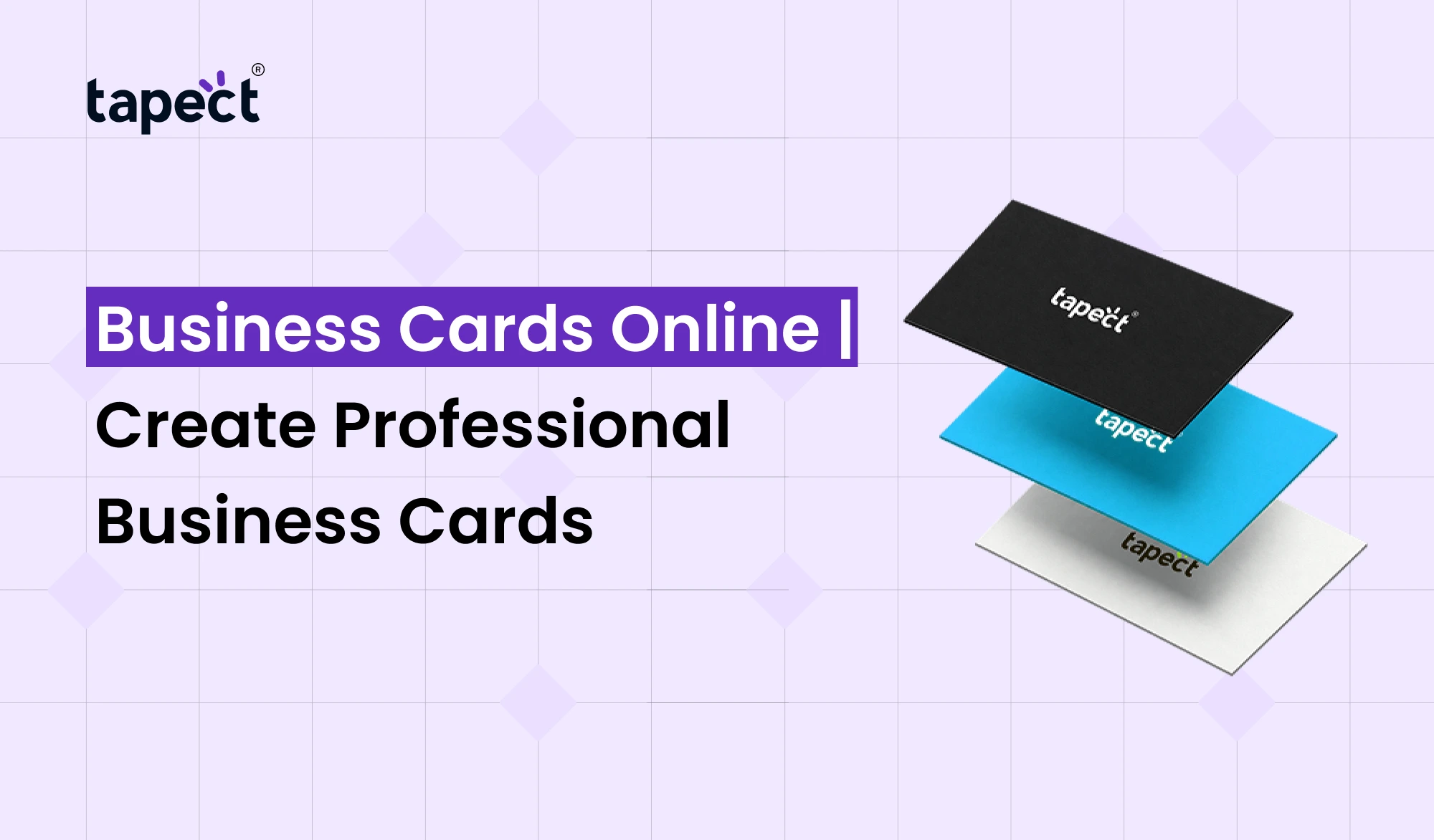
Usually the first thing people remember after meeting you is a business card. It contains your name, contact details, company information and logo in one small space. Business networking, however, has changed. People want something fast and easy to save today.
This is why Business Cards Online are becoming a popular choice for professionals, freelancers, business owners, and teams. You can design professional card and share your details digitally, instead of carrying a stack of paper cards.
Business Cards Online enables you to meet people within seconds and makes it easier for them to contact you later. Similarly, tools like Tapect make it easy to create a modern profile that you can send out as a link, QR code or NFC card.
What Are Business Cards Online?
Business Cards Online are the digital version of the traditional business card. They allow you to share your professional info without just relying on printed cards.
Information your card can contain is:
- Your name and job title
- Phone number
- Email address
- Company website
- Social media profiles
- WhatsApp contact
- Business location
- Portfolio or booking link
- Company information
Unlike a paper card, your online profile can be updated as your details change. There’s no need to print a new batch every time you change your phone number, job title or website.
Why Choose Online Business Cards?
Online Business Cards simplifies the networking. You are at an event and you meet a potential client. You don’t need to find a pen anymore, or pass over a paper card, you can just share your digital profile.
They can open your card on their phone and save your contact information.
There are also benefits in practice. Online Business Cards save on printing and sharing your information is a lot faster.
They can be used for:
- Sales professionals
- Real estate agents
- Freelancers
- Consultants
- Entrepreneurs
- Small businesses
- Marketing teams
- Corporate employees
Such a simple change can make a big difference to people attending meetings, conferences, exhibitions and networking events.
How to Create Business Cards Online
Designing Business Cards Online is a lot easier than designing a traditional card from scratch.
Choose a platform on which to create a professional digital profile. Add your basic information, choose your design and add the links you want people to visit.
A process as simple as this:
1. Add Your Professional Details
Enter your name, job title, company name, phone number, email and other info as needed.
2. Add Your Brand
Upload your company logo and choose a design that suits your brand. Maintain a clean layout to help visitors find your information quickly.
3. Add Important Links
Add your website, LinkedIn profile, Instagram page, WhatsApp, portfolio or booking page.
4. Preview Your Card
See how the card looks on a mobile phone. Test all links and buttons to verify that they are working correctly.
5. Share Your Card
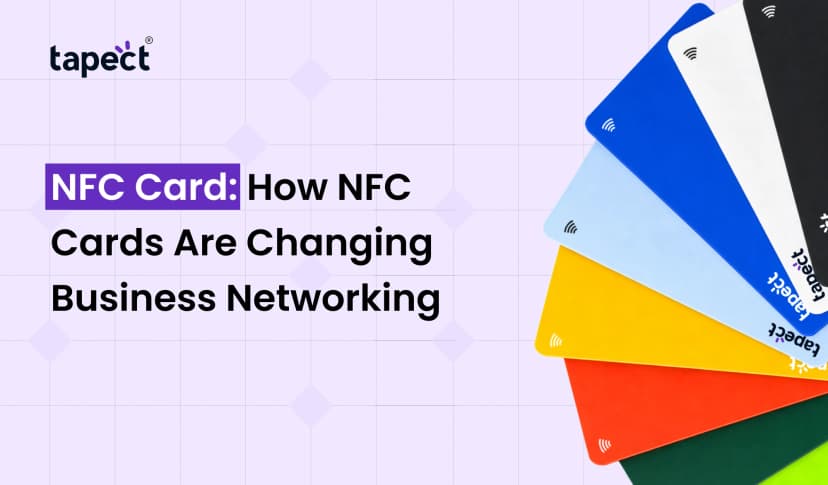
When your card is ready, share it with a link, QR code or NFC enabled card.
This is one of the biggest advantages of Create Business Cards Online. Create your profile one time and you can share it many times.
Create Custom Business Cards Online for Your Brand
Each business has its own style. A real estate agent may want property links and contact buttons, a designer may want to show a portfolio.
This is where Custom Business Cards Online comes in handy.
You are able to design a card that fits your own or your company’s brand. Pick the right colours, customise your logo, and arrange your info based on what your audience needs.
Good Custom Business Cards Online should not be cramped. The most important details are easy to locate.
Your name, profession, contact button and main business link should be visible without the visitor having to search the page.
Digital Business Cards Make Networking Easier
Digital Business Cards are designed for today’s way of connecting. Since most people already have a smartphone on them, sharing contact details electronically feels natural.
You can also give a digital card that will give you more space than a paper card. Multiple links are easy to add, and the design doesn’t look cluttered.
For example, a photographer can add a portfolio, Instagram account, booking page, and a contact button. A salesperson can add a product page, a WhatsApp link, and a company website.
Another advantage of Digital Business Cards is that you can update your information without having to change the card that you have already shared.
Why Tapect Is a Smart Choice
Tapect helps professionals move beyond traditional paper cards with innovative digital networking tools.
With Tapect you are able to create a professional digital profile and share it using convenient ways like QR codes and NFC.
Some of the helpful benefits are:
- Share your contact details quickly
- Create a professional digital profile
- Add social media and website links
- Use QR codes for simple sharing
- Connect through NFC technology
- Update your details when needed
- Make networking more convenient
If you’re a professional who often attends events and meets new clients, this can make sharing contact information much smoother.
Are Free Business Cards Online Worth Using?
If you are new to this Free Business Cards Online can be a good way to try digital networking.
A free option might have enough features for someone who only needs basic contact information and a simple profile.
But businesses must look beyond the word “free.” Consider what features are really necessary. If you need branding options, analytics, nfc support or just more control over your profile, a paid solution could be more valuable.
Free Business Cards Online can still be useful if you want to get a feel for how digital cards work before investing in extra features.
How Online Business Cards Can Help Your Business
Online Business Cards are so much more than a place to save contact information. They can also help create more ways for potential customers to engage with you.
Someone who views your profile can visit your website, send a WhatsApp message, call your business, or check out your social media page.
That removes unnecessary steps in the customer journey.
Online Business Cards can also provide a more uniform approach for sales teams and business owners to share company information.
Tips for Creating Professional Business Cards
Take a few minutes to look over your card before you publish it.
Here are a few simple tips:
- Keep your design clean
- Use a clear profile photo or company logo
- Add only useful information
- Make contact buttons easy to find
- Check every link before sharing
- Make sure your card works well on mobile
- Keep your branding consistent
- Add a clear call to action
Less is more in the case of a card with too many details.
How to Get More Value From Digital Business Cards
Your digital business cards should give people a reason to move on.
Don’t just list your phone number – add actions that matter. Book a Call, Visit My Website, WhatsApp me, Portfolio.
This turns your card into more than a contact page It becomes a simple networking and lead generation tool.
QR codes or NFC cards are also available for use at events. People can just tap or scan to open your profile immediately.
Can You Create Custom Business Cards Online for Teams?
Yes. Custom Business Cards Online is ideal for businesses with more than one employee, assisting you in creating a consistent digital identity for your team.
Every employee can have their own contact information, while maintaining the company’s branding.
For example, a sales team could use the same company logo and colours, but each employee could have a different name, phone number, job title and profile.
This can help position your company’s networking process as more organised and professional.
FAQs
Are Online Business Cards Professional?
Yes. Business Cards Online can look very professional when they use a clean design, accurate information and useful contact options.
Is it possible to edit my online business card?
Yes. A big advantage of online business cards is that you can update your information without having to print a new card.
Are digital business cards superior to paper cards?
It depends what you need. Digital business cards are easier to keep up-to-date, and they can include links, QR codes, social profiles and other interactive features.
Can I Make Business Cards Online for Free?
Yes, few platforms offer basic features of Free Business Cards Online. Premium features may require paid subscription.
Is it possible to add a QR code to my business card?
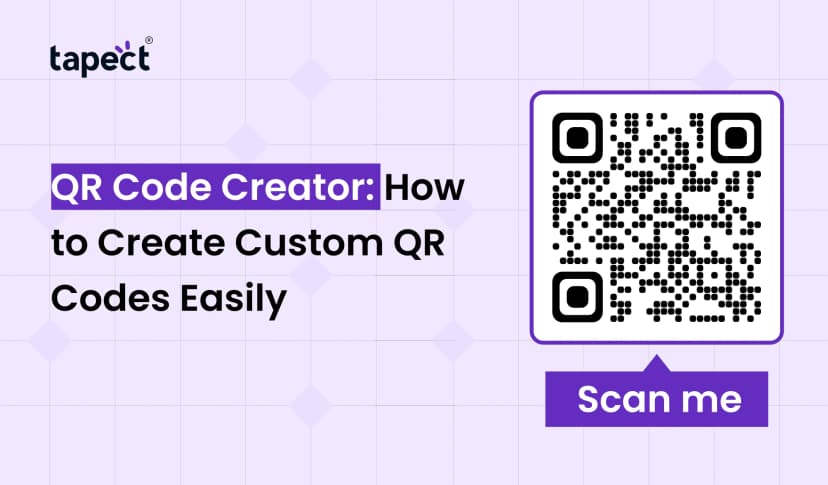
Yes. Sharing your profile becomes a lot easier with a QR code. People can scan the code and get to your digital contact page.
Can you use NFC with a digital business card?
Yes. An NFC business card lets people tap their phone on the card and open your digital profile. It can be a good way to network.
Conclusion
People’s way of exchanging contact details is changing. Business Cards Online is an innovative solution for professionals to network faster and more conveniently, instead of relying only on paper.
Design Business Cards Online, add your important links, personalise your profile and share with QR code or NFC. With Tapect you can go one step further and turn this idea into a modern digital networking experience.
If you are a freelancer, entrepreneur, salesperson or business owner, a digital card can help you make a better connection after every meeting.
Ready to Go Digital?
No more lugging around stacks of old cards. Build your professional Tapect profile, add your contact details and business links and begin sharing your information in seconds.
Get your Tapect digital business card today and turn every new connection into an opportunity.
 07 Oct 2026
 Business